
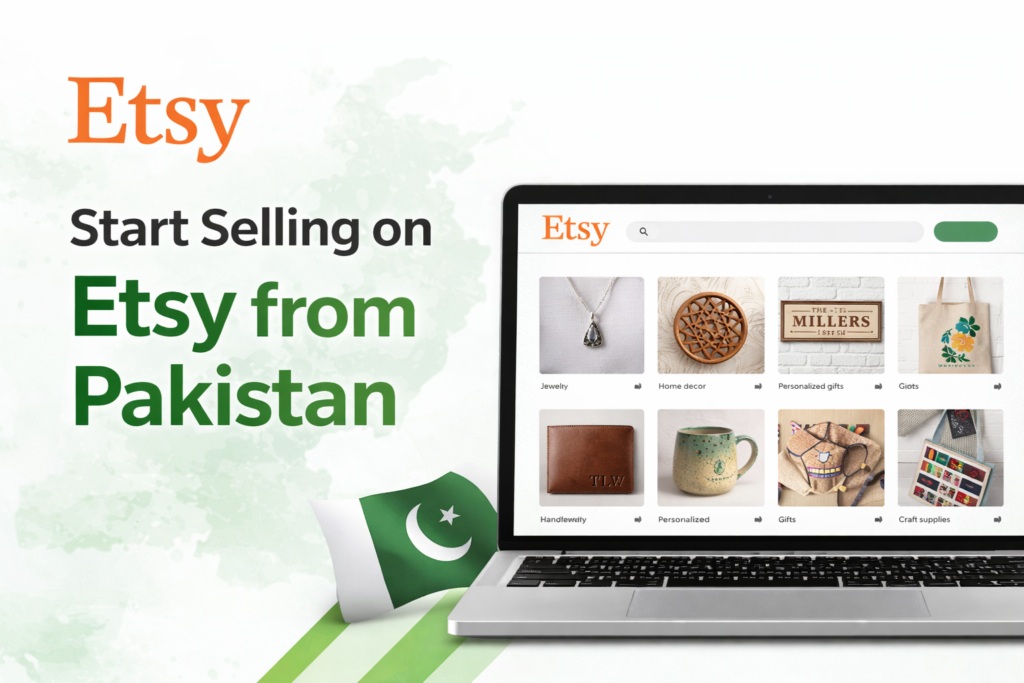
Want to start selling on Etsy from Pakistan but don’t know where to begin?
This detailed guide will walk you through exactly how to create and set up an Etsy shop from Pakistan, including payments, identity verification, listings, and fees.
This tutorial is beginner-friendly and based on the real Etsy setup process used by Pakistani sellers.
Why Choose Etsy for Online Selling?
Etsy is one of the best global marketplaces for selling:
- Handmade products
- Digital products
- Print-on-demand items
- Creative and customized goods
The best part? Pakistan is officially supported for selling on Etsy through Payoneer.
Things Required to Create an Etsy Account in Pakistan
Before starting, make sure you have the following:
- Identity Verification: Passport or CNIC
- Address Verification: Bank or card statement
- Charge Method: Debit or credit card
- Payout Method: Payoneer account
Step 1: Create an Etsy Account
Go to Etsy.com and register an account.
You can either:
- Create a buyer account first and convert it into a seller account, or
- Directly click on “Sell on Etsy” and start the process
Step 2: Shop Preferences
During setup, select the following:
- Language: English
- Shop Country: Pakistan
- Currency: USD
Listing
Etsy requires at least one active product listing to complete shop setup.
You’ll need to add:
- Product title
- Product images
- Price and quantity
- Tags (up to 20)
- Shipping details
Step 3: Choose a Unique Shop Name
Your shop name must be:
- Unique (not already taken on Etsy)
- Without spaces or special characters
- Easy to remember and brandable
Example: WintexInternational
Step 4: Create Your First Product Listing
Etsy requires at least one active product listing to complete shop setup. You’ll need to add:- Product title
- Product images
- Price and quantity
- Tags (up to 20)
- Shipping details
Step 5: Shipping & Refund Policy
You must enable shipping for Pakistan.
- Set delivery time (e.g., 5–7 days)
- You can offer free or paid shipping
- Apply Etsy’s standard 30-day refund policy
Step 6: Connect Payoneer for Payments
To receive payments in Pakistan, Etsy uses Payoneer.
Steps:
- Select Pakistan as your country of residence
- Click “Connect Payoneer Account”
- Log in and authorize Etsy inside Payoneer
Step 7: Identity Verification
You’ll be asked to upload:
- Passport or CNIC
- Front and back images
Step 8: Add Billing / Charge Method
Etsy charges a one-time setup fee and listing fees.
- Listing fee: $0.20 per product
- Setup fee: Charged once during account creation
Enter your debit or credit card details to proceed.
Step 9: Enable Two-Factor Authentication
For security, Etsy requires 2FA.
You can enable it using:
- SMS verification
- Google Authenticator app
Final Thoughts
Your Etsy shop is now ready to sell.
Remember, creating an account is only the first step. Real success on Etsy depends on:
- Product research
- SEO-optimized listings
- Competitive pricing
- Consistent marketing
If you’re serious about online earning, Etsy is a strong opportunity for Pakistani sellers.
Start now and improve as you go.