Learn how to list products on Walmart Marketplace step by step. Follow our complete tutorial for existing and new products to start selling successfully.
For anyone looking to sell online, knowing how to list products on Walmart Marketplace is essential to growing your eCommerce business. Beginners often wonder how to list products on Walmart Marketplace efficiently and avoid common mistakes.
By learning to list products on Walmart Marketplace, you can add both existing and private label items with accurate details. Following a clear process helps you list products on Walmart Marketplace with high-quality images, proper pricing, and detailed attributes.
Experienced sellers understand the importance of using templates and bulk upload tools when they list products on Walmart Marketplace to save time and maintain consistency. Knowing how to list products on Walmart Marketplace properly ensures your items appear correctly in search results and reach more customers.
Regular updates and attention to product information help you list products on Walmart Marketplace without errors. Whether you’re new or experienced, mastering how to list products on Walmart Marketplace is key to success.
With the right approach, anyone can confidently list products on Walmart Marketplace and grow their online store.
In this tutorial, we’ll guide you through the process of listing products on Walmart Marketplace, covering both existing products and new, private label items.
Step 1: Access Your Walmart Seller Center Account
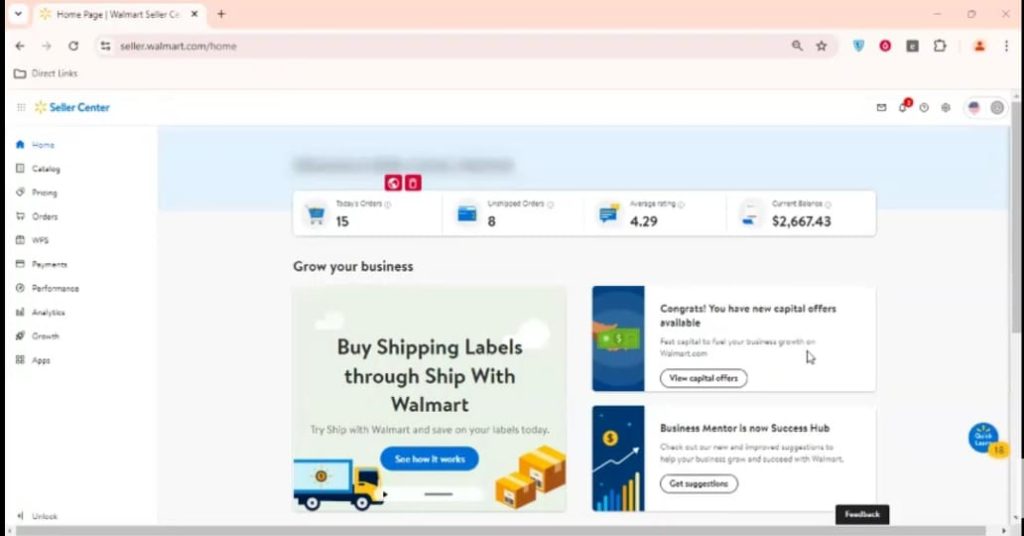
Log in: Visit the Walmart Seller Center and enter your login credentials. Once logged in, locate and click on the ” Catalog option.
Step 2: Add a New Item
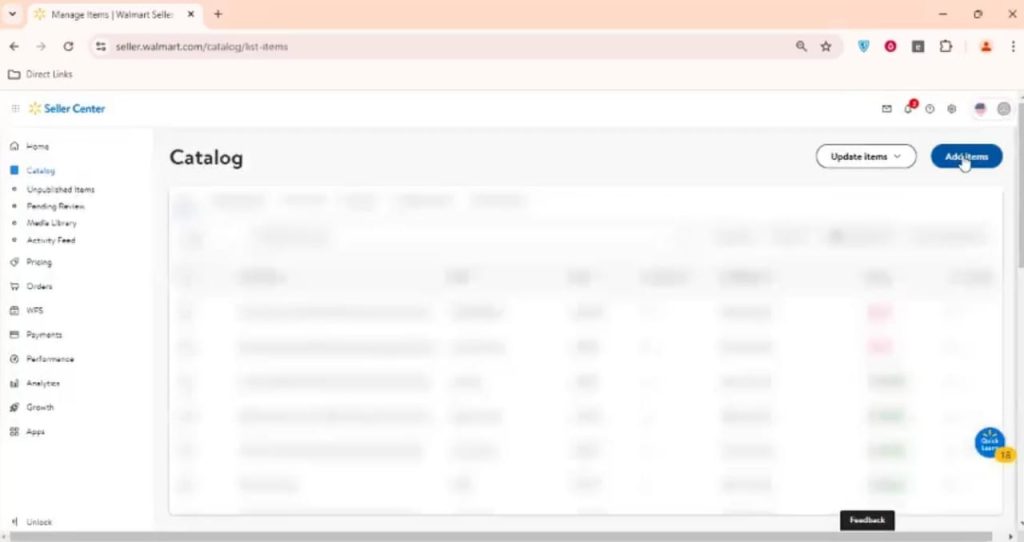
Click “Add Items”: On the “Manage Items” page, you’ll see a button labelled “Add Items.” Click on it.
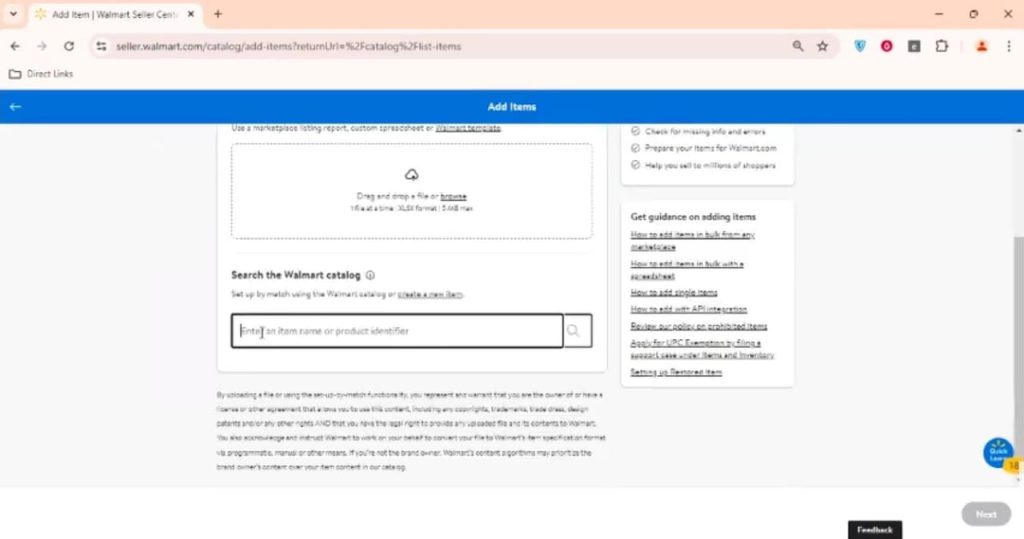
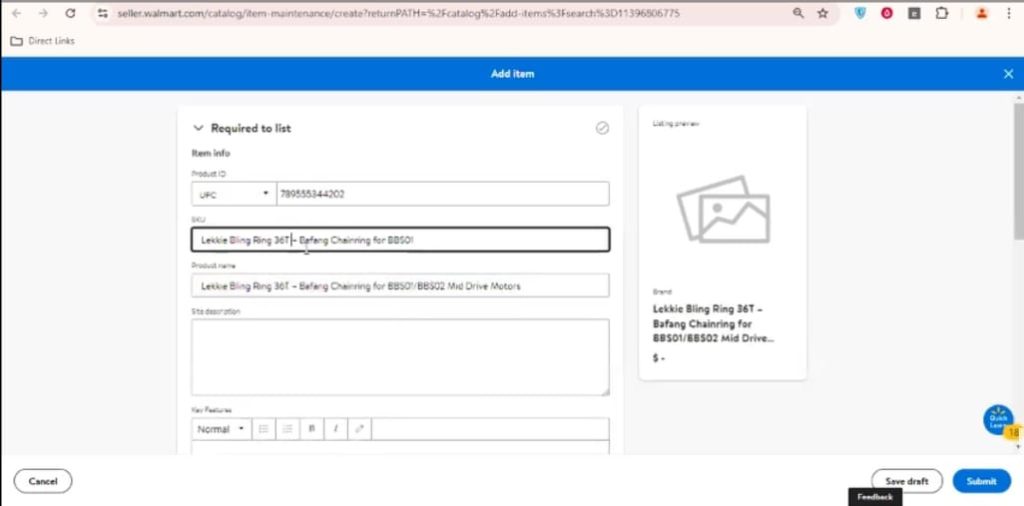
2. Enter Item Identifier: The first step is to input the unique identifier for your product. This could be a UPC, ISBN, or GTIN. Walmart will search its catalog to see if the product already exists.
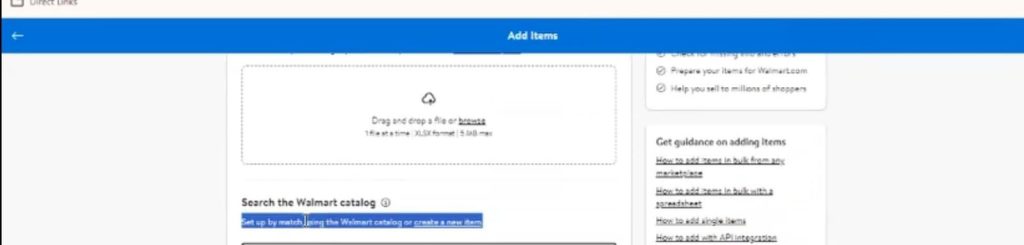
If Product is not found then click on the create new Item.
Step 3: Fill in Product Details
Product Name: Enter a clear and concise product name.
Product Category: Choose the appropriate category for your product from the available options.
Attributes: Provide detailed information about your product, including:
Brand
Model number
Color
Size
Material
Packaging
And other relevant attributes
Images: Upload high-quality images of your product. Make sure they are clear, well-lit, and accurately represent the item.
Step 4: Set Pricing and Shipping
Pricing: Determine the selling price for your product, considering factors like cost, competition, and profit margin.
Shipping: Specify the shipping method, cost, and any restrictions that apply.
Step 5: Submit Your Listing
Review: Double-check all the information you’ve entered to ensure accuracy.
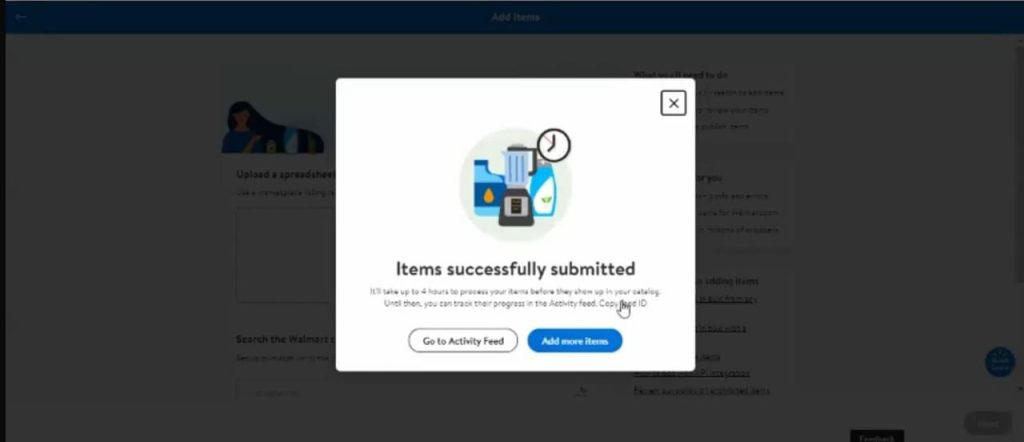
Submit: Once you’re satisfied, click the “Submit” button to finalize your listing.
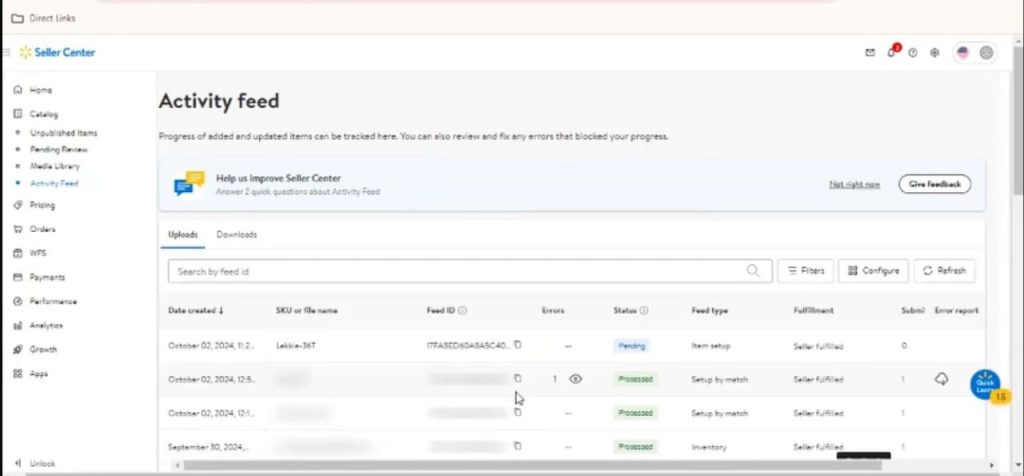
3. After Submission ,go to the activity feed for shipment confirmation.
Listing an Existing Product
If your product already exists on Walmart, the process is similar. You’ll need to provide the product’s identifier, and Walmart’s system will pre-populate some of the details. However, you may still need to adjust certain attributes or pricing.
Listing a New, Private Label Product
For private label products, you’ll need to create a new listing from scratch. This involves providing all the necessary details, including product name, attributes, images, pricing, and shipping information.