
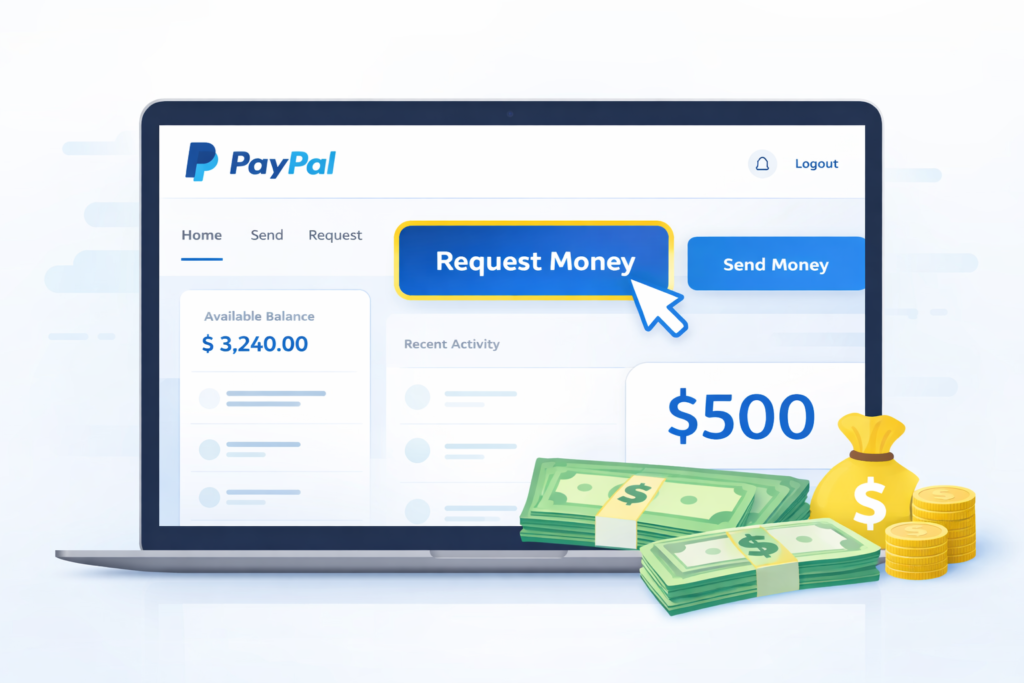
How to Request Money on PayPal
PayPal is one of the most widely used online payment platforms, especially for freelancers, ecommerce sellers, and digital marketers. If you want to request payment from a client, PayPal makes the process very simple.Requirements to Request Money on PayPal
- An active PayPal account
- Client’s email, phone number, or PayPal username
Step-by-Step Guide to Request Money on PayPal
Step 1: Log in to your PayPal account.
Step 2: On the dashboard, find and click on Request Money. This option is usually available in the quick access section.
Step 3: Enter your customer’s identifier. This can be:
- Email address
- Mobile number
- PayPal username (if set)
Step 4: Click on Next.
Step 5: Enter the amount you want to request. You can also select the currency (for example, USD).
Step 6: Add a short note describing the payment. This helps your client understand what the request is for.
Step 7: Click on Request Now.
What Happens After Sending the Request?
Your client will receive an email from PayPal with a payment request. After clicking the provided link and logging into their PayPal account, they can complete the payment easily.
Why Freelancers Use PayPal Money Requests
- Fast and secure payments
- International client support
- Professional invoicing experience
Conclusion: Requesting money on PayPal is a simple and effective way to receive payments from clients worldwide. Whether you are a freelancer or an ecommerce seller, mastering this feature can help streamline your income process.